INF505: Activity 1
A detailed description of the activity undertaken
The bibliographic tool: EasyBib was reviewed. This tool is used at UWCSEA-East for secondary students for citation, note taking, research paper organisation, the creation of annotated bibliographies and to teach academic honesty. The topic of
- Digital materials/resources and emerging technologies
is covered in this post.
Firstly the ease of set up was evaluated followed by the creation of citations in EasyBib.
Ease of Setup:
In order to set up EasyBib, the school’s library guide was followed. Following the slide show step by step, the set up was fairly easy. It took about 30 minutes, including looking for passwords and access codes. For a student reasonably familiar with add-ons and chrome (which most of our students should be) this part should not be a problem.
Creation of Citations:
In order to review the citation tool, a few of the most common primary resources used by our students was tested using EasyBib. For each resource, output was created in the 2 most common citation methods used by the school, namely MLA and APA. The output was then compared to the citation using Zotero (which I am most familiar with and which was previously used by the school as a citation tool) and both were checked to the MLA and APA guidelines. The other factor that was looked at included how much additional manual input was required and how “intuitive” manual completion was.
Print book –
I only needed to input the ISBN and the tool did the rest automatically.
MLA Result EasyBib:
Lipson, Charles. Cite Right: A Quick Guide to Citation Styles–MLA, APA, Chicago, the Sciences, Professions, and More. Chicago: U of Chicago, 2011. Print.
MLA Result Zotero:
Lipson, Charles. Cite Right: A Quick Guide to Citation Styles–MLA, APA, Chicago, the Sciences, Professions, and More. 2nd ed. Chicago ; London: University of Chicago Press, 2011. Print. Chicago Guides to Writing, Editing, and Publishing.
APA Result EasyBib:
Lipson, C. (2011). Cite right: A quick guide to citation styles–MLA, APA, Chicago, the sciences, professions, and more. Chicago: University of Chicago Press.
APA Result Zotero:
Lipson, C. (2011). Cite right: a quick guide to citation styles–MLA, APA, Chicago, the sciences, professions, and more (2nd ed.). Chicago ; London: University of Chicago Press.
All results were comparable, except EasyBib abbreviated University to “U” (which is acceptable) and added “Print” as the format which is correct, further, EasyBib did not state the edition, whereas Zotero did.
Journal Article –
Two different articles were selected and the DOI was input. EasyBib could find neither of the citations (Zotero could find the citation using the DOI only). Trying “autocite” using the name of the journal also didn’t work, so manual input was required. Unlike Zotero, you cannot chose between author full name and separating between Name, Initial and Surname, so copying and pasting the information requires 3 or 4 steps instead of one.
MLA Result EasyBib:
Croll, Theodore P., DDS, and Kevin J. Donly, DDS. “Tooth Bleaching in Children and Teens.” Journal of Esthetic and Restorative Dentistry 26.3 (2014): 147-50. Web.
MLA Result Zotero:
Croll, Theodore P., and Kevin J. Donly. “Tooth Bleaching in Children and Teens: Perspectives.” Journal of Esthetic and Restorative Dentistry 26.3 (2014): 147–150. CrossRef. Web. 6 Aug. 2014.
APA Result EasyBib:
Croll, T. P., DDS, & Donly, K. J., DDS. (2014). Tooth Bleaching in Children and Teens. Journal of Esthetic and Restorative Dentistry, 26(3), 147-150.
APA Result Zotero:
Croll, T. P., & Donly, K. J. (2014). Tooth Bleaching in Children and Teens: Perspectives. Journal of Esthetic and Restorative Dentistry, 26(3), 147–150. doi:10.1111/jerd.12108
Since EasyBib has a space for a suffix, and the journal article stated the authors were both DDS, this suffix was included, but this does not appear to be necessary. For MLA, once again, EasyBib correctly includes the format (Web) which Zotero doesn’t.
Of the APA results, only the Zotero result is in fact correct and up to date with the latest APA guidelines as it includes the DOI. The lack of EasyBib’s ability to extract data from the DOI can be seen as a drawback particularly for older students who use journal articles more frequently. This may be a result of the fact that EasyBib is only linked with JStor and Proquest. In order to test this hypothesis, another DOI was tested (from a Proquest related journal), and this resulted in a correct link – and correct citation in both MLA and APA.
APA result EasyBib:
Rey, P. J. (2012). Alienation, Exploitation, and Social Media. American Behavioral Scientist, 56(4), 399-420. doi: 10.1177/0002764211429367
APA result Zotero:
Rey, P. J. (2012). Alienation, Exploitation, and Social Media. American Behavioral Scientist, 56(4), 399–420. doi:10.1177/0002764211429367
MLA result EasyBib:
Rey, P. J. “Alienation, Exploitation, and Social Media.” American Behavioral Scientist 56.4 (2012): 399-420. Web. 6 Aug. 2014.
MLA result Zotero
Rey, P. J. “Alienation, Exploitation, and Social Media.” American Behavioral Scientist 56.4 (2012): 399–420. CrossRef. Web. 6 Aug. 2014.
Internet resource –
A considerable amount of information was missing. In fact the only item that was correct was the URL, and every other piece needed to be found. However, every step of the way EasyBib gave helpful hints as to what information was needed and where the information could be found. A particularly useful feature was the way that the “finished” citation evolved alongside the fill in boxes – the “LearnCite” feature.
MLA Result EasyBib:
Hume-Pratuch, Jeff. “How to Use the New DOI Format in APA Style.” APA Style Blog. American Psychological Association, 25 July 2014. Web. 06 Aug. 2014.
MLA Result Zotero:
Hume-Pratuch, Jeff. “APA Style Blog: How to Use the New DOI Format in APA Style.” APA Style Blog. Blog. N.p., 25 July 2014. Web. 6 Aug. 2014.
In this instance, the EasyBib citation is the correct one, mainly as a result of the fact that Zotero doesn’t have an entry space for the publisher / owner of the website.
APA Result EasyBib:
Hume-Pratuch, J. (2014, July 25). APA Style Blog: How to Use the New DOI Format in APA Style. Retrieved August 6, 2014, from http://blog.apastyle.org/apastyle/2014/07/how-to-use-the-new-doi-format-in-apa-style.html
APA Result Zotero:
Hume-Pratuch, J. (2014, July 25). How to Use the New DOI Format in APA Style. APA Style Blog. Blog. Retrieved August 6, 2014, from http://blog.apastyle.org/apastyle/2014/07/how-to-use-the-new-doi-format-in-apa-style.html
In this instance neither EasyBib nor Zotero are correct. According to the APA the correct citation would be:
Hume-Pratuch, J. (2014, July 25). How to Use the New DOI Format in APA Style [Blog post]. Retrieved August 6, 2014, from http://blog.apastyle.org/apastyle/2014/07/how-to-use-the-new-doi-format-in-apa-style.html
2. Answers to the following questions:
What did you learn?
I learnt that despite the appearance of ease and automatic generation, one needs to have a healthy dose of scepticism and the willingness to be familiar with the citation rules and to check results or input against these rules. I also became better informed about DOIs and the limitations of two commonly used citation generators. I also contacted the APA to confirm my understanding of the requirements for citation of websites and Zotero about the apparent failure to comply with either MLA or APA for website referencing. To my surprise both organisations got back to me within a few hours, the APA to confirm and Zotero to say that the error would be fixed and they subsequently sent me the system update request to prove it was being dealt with! This has also taught me that as a consumer I can approach service organisations and make reasonable requests for change.
How was the activity relevant to your professional practice as a librarian for children or young adults?
In my academic life I use Zotero, so I was not fully comfortable with using EasyBib and not fully aware of its capabilities and limitations. This activity has given me the opportunity to explore these. I can now better serve my student clients and find the information needed for them to manage the citation and referencing needed for their research.
Were any gaps in your knowledge revealed? How might you fill those gaps?
Personally I am very familiar with APA, while most of the school uses MLA, with the exception of IB (International Baccalaureate) students in certain subjects. This has enabled me to become more familiar with the requirements of MLA and to notice the differences in requirements between the two. I have also found some good resources on both APA and MLA that I can consult when in doubt as to the correct citation form.
Websites consulted and references:
Barnes, D. (2013, February 5). EasyBib Bibliography tool – a student review [Blog post]. i see teach. Retrieved August 6, 2014, from http://daibarnes.info/blog/easybib-bibliography-tool-a-student-review/
Boettiger, C. (2013, June 3). DOI != citable [Blog post]. Retrieved August 6, 2014, from http://www.carlboettiger.info/2013/06/03/DOI-citable.html
Burkhardt, A. (2011, July 11). A Tale of Two Citation Tools [Blog]. Information Tyrannosaur. Retrieved August 6, 2014, from http://andyburkhardt.com/2011/07/11/a-tale-of-two-citation-tools/
Croll, T. P., & Donly, K. J. (2014). Tooth Bleaching in Children and Teens: Perspectives. Journal of Esthetic and Restorative Dentistry, 26(3), 147–150. doi:10.1111/jerd.12108
Griffith, E. (2012, September 27). Abandoned for Years, Web 2.0 Tool EasyBib Is Now a Thriving Business [News Article]. PandoDaily. Retrieved August 6, 2014, from http://pando.com/2012/09/27/abandoned-for-years-web-2-0-tool-easybib-is-now-a-thriving-business/
Hamilton, B. (2012, March 27). Easing Their Citation Pain: Putting the Focus on Critical Thinking in Research with EasyBib [Blog post]. The Unquiet Librarian. Retrieved August 6, 2014, from http://theunquietlibrarian.wordpress.com/2012/03/27/easing-their-citation-pain-putting-the-focus-on-critical-thinking-in-research-with-easybib/
Hamilton, B. (2013, January 14). Get Started with EasyBib – EasyBib 101 – [Library Guide]. LibGuides at Creekview High School. Retrieved August 6, 2014, from http://www.theunquietlibrary.libguides.com/easybib
Hume-Pratuch, J. (2014, July 25). How to Use the New DOI Format in APA Style [Blog post]. APA Style Blog. Retrieved August 6, 2014, from http://blog.apastyle.org/apastyle/2014/07/how-to-use-the-new-doi-format-in-apa-style.html
Kessman, J. (2013, October 23). EasyBib Listed as a Great Mobile App to Help Research. Retrieved August 6, 2014, from http://content.easybib.com/category/product-reviews/#.U-J4woCSyIA
Lipson, C. (2011). Cite right: a quick guide to citation styles–MLA, APA, Chicago, the sciences, professions, and more (2nd ed.). Chicago ; London: University of Chicago Press.
OWL Purdue University. (2014a, August 4). APA Formatting and Style Guide. Retrieved August 6, 2014, from https://owl.english.purdue.edu/owl/resource/560/10/
OWL Purdue University. (2014b, August 4). MLA Works Cited: Electronic Sources (Web Publications). Retrieved August 6, 2014, from https://owl.english.purdue.edu/owl/resource/747/08/
Provenzano, N. (2011, April 18). It’s an Easy Choice! My Review of EasyBib. The Nerdy Teacher. Retrieved August 6, 2014, from http://www.thenerdyteacher.com/2011/04/its-easy-choice-my-review-of-easybib.html
Rey, P. J. (2012). Alienation, Exploitation, and Social Media. American Behavioral Scientist, 56(4), 399–420. doi:10.1177/0002764211429367
Teaching Blog Addict. (2011, September). EasyBib: a Free Bibliography Maker [Blog post]. Teaching Blog Addict. Retrieved August 6, 2014, from http://www.teachingblogaddict.com/2011/09/easybib-free-bibliography-maker.html
UWCSEA-East Campus. (n.d.). EasyBib – Citation – LibGuides at United World College of Southeast Asia. Retrieved August 6, 2014, from http://research.uwcsea.edu.sg/c.php?g=33290&p=211365
Learning WordPress
I’m completely fuelled by jetlag, and so I’m sitting here with my computer on the WordPress blog site and my iPad on “Easy WP Guide 2.7 for WordPress” trying to work out how it all works! Obviously having some content would be an advantage … so I tried to import my blogger blog into here, without success – I must remember to crawl before I try to walk. So I’ll plod on it will be plain vanilla writing for the time being.
I’m also beginning to see why I couldn’t do the font size and type changing that I wanted to do … I only have one “row” of options
But I should have two – including font size etc…. aha … found the button to add it …
So now I can get fancy!
I’m still not seeing how to change the text type, but maybe I messed that up with my template selection.
Trying to resize by using resize handles, but can’t see any, maybe because it’s a png file, I’ll try with a jpeg.


Still not working – but they are pretty pictures aren’t they! In fact I’m not see what I should be seeing the way I should be seeing it, which makes me wonder if this is the latest version of WordPress.
Off we go!
Trying to take one thing at a time as I learn this new platform after using blogger for the last 7 years! Managed to make a site and insert a photo. Haven’t quite got the layout and template I like yet, but small steps! One of the first things I’d like to know is how to change the text size and font, but that’s not jumping out at me in any intuitive kind of way right now. Continue reading “Off we go!”
Activity 1: Review an electronic resource for children or young adults or about delivering services to children or young adults
A detailed description of the activity undertaken
The bibliographic tool: EasyBib was reviewed. This tool is used at UWCSEA-East for secondary students for citation, note taking, research paper organisation, the creation of annotated bibliographies and to teach academic honesty. The topic of
* Digital materials/resources and emerging technologies
is covered in this post.
Firstly the ease of set up was evaluated followed by the creation of citations in EasyBib.
Ease of Setup:
In order to set up EasyBib, the school’s library guide was followed. Following the slide show step by step, the set up was fairly easy. It took about 30 minutes, including looking for passwords and access codes. For a student reasonably familiar with add-ons and chrome (which most of our students should be) this part should not be a problem.
Creation of Citations:
In order to review the citation tool, a few of the most common primary resources used by our students was tested using EasyBib. For each resource, output was created in the 2 most common citation methods used by the school, namely MLA and APA. The output was then compared to the citation using Zotero (which I am most familiar with and which was previously used by the school as a citation tool) and both were checked to the MLA and APA guidelines. The other factor that was looked at included how much additional manual input was required and how “intuitive” manual completion was.
Print book –
I only needed to input the ISBN and the tool did the rest automatically.
MLA Result EasyBib:
Lipson, Charles. Cite Right: A Quick Guide to Citation Styles–MLA, APA, Chicago, the Sciences, Professions, and More. Chicago: U of Chicago, 2011. Print.
MLA Result Zotero:
Lipson, Charles. Cite Right: A Quick Guide to Citation Styles–MLA, APA, Chicago, the Sciences, Professions, and More. 2nd ed. Chicago?; London: University of Chicago Press, 2011. Print. Chicago Guides to Writing, Editing, and Publishing.
APA Result EasyBib:
Lipson, C. (2011). Cite right: A quick guide to citation styles–MLA, APA, Chicago, the sciences, professions, and more. Chicago: University of Chicago Press.
APA Result Zotero:
Lipson, C. (2011). Cite right: a quick guide to citation styles–MLA, APA, Chicago, the sciences, professions, and more (2nd ed.). Chicago?; London: University of Chicago Press.
All results were comparable, except EasyBib abbreviated University to “U” (which is acceptable) and added “Print” as the format which is correct, further, EasyBib did not state the edition, whereas Zotero did.
Journal Article –
Two different articles were selected and the DOI was input. EasyBib could find neither of the citations (Zotero could find the citation using the DOI only). Trying “autocite” using the name of the journal also didn’t work, so manual input was required. Unlike Zotero, you cannot chose between author full name and separating between Name, Initial and Surname, so copying and pasting the information requires 3 or 4 steps instead of one.
MLA Result EasyBib:
Croll, Theodore P., DDS, and Kevin J. Donly, DDS. “Tooth Bleaching in Children and Teens.” Journal of Esthetic and Restorative Dentistry 26.3 (2014): 147-50. Web.
MLA Result Zotero:
Croll, Theodore P., and Kevin J. Donly. “Tooth Bleaching in Children and Teens: Perspectives.” Journal of Esthetic and Restorative Dentistry 26.3 (2014): 147–150. CrossRef. Web. 6 Aug. 2014.
APA Result EasyBib:
Croll, T. P., DDS, & Donly, K. J., DDS. (2014). Tooth Bleaching in Children and Teens. Journal of Esthetic and Restorative Dentistry, 26(3), 147-150.
APA Result Zotero:
Croll, T. P., & Donly, K. J. (2014). Tooth Bleaching in Children and Teens: Perspectives. Journal of Esthetic and Restorative Dentistry, 26(3), 147–150. doi:10.1111/jerd.12108
Since EasyBib has a space for a suffix, and the journal article stated the authors were both DDS, this suffix was included, but this does not appear to be necessary. For MLA, once again, EasyBib correctly includes the format (Web) which Zotero doesn’t.
Of the APA results, only the Zotero result is in fact correct and up to date with the latest APA guidelines as it includes the DOI. The lack of EasyBib’s ability to extract data from the DOI can be seen as a drawback particularly for older students who use journal articles more frequently. This may be a result of the fact that EasyBib is only linked with JStor and Proquest. In order to test this hypothesis, another DOI was tested (from a Proquest related journal), and this resulted in a correct link – and correct citation in both MLA and APA.
APA result EasyBib:
Rey, P. J. (2012). Alienation, Exploitation, and Social Media. American Behavioral Scientist, 56(4), 399-420. doi: 10.1177/0002764211429367
APA result Zotero:
Rey, P. J. (2012). Alienation, Exploitation, and Social Media. American Behavioral Scientist, 56(4), 399–420. doi:10.1177/0002764211429367
MLA result EasyBib:
Rey, P. J. “Alienation, Exploitation, and Social Media.” American Behavioral Scientist 56.4 (2012): 399-420. Web. 6 Aug. 2014.
MLA result Zotero
Rey, P. J. “Alienation, Exploitation, and Social Media.” American Behavioral Scientist 56.4 (2012): 399–420. CrossRef. Web. 6 Aug. 2014.
Internet resource –
A considerable amount of information was missing. In fact the only item that was correct was the URL, and every other piece needed to be found. However, every step of the way EasyBib gave helpful hints as to what information was needed and where the information could be found. A particularly useful feature was the way that the “finished” citation evolved alongside the fill in boxes – the “LearnCite” feature.
MLA Result EasyBib:
Hume-Pratuch, Jeff. “How to Use the New DOI Format in APA Style.” APA Style Blog. American Psychological Association, 25 July 2014. Web. 06 Aug. 2014.
MLA Result Zotero:
Hume-Pratuch, Jeff. “APA Style Blog: How to Use the New DOI Format in APA Style.” APA Style Blog. Blog. N.p., 25 July 2014. Web. 6 Aug. 2014.
In this instance, the EasyBib citation is the correct one, mainly as a result of the fact that Zotero doesn’t have an entry space for the publisher / owner of the website.
APA Result EasyBib:
Hume-Pratuch, J. (2014, July 25). APA Style Blog: How to Use the New DOI Format in APA Style. Retrieved August 6, 2014, from http://blog.apastyle.org/apastyle/2014/07/how-to-use-the-new-doi-format-in-apa-style.html
APA Result Zotero:
Hume-Pratuch, J. (2014, July 25). How to Use the New DOI Format in APA Style. APA Style Blog. Blog. Retrieved August 6, 2014, from http://blog.apastyle.org/apastyle/2014/07/how-to-use-the-new-doi-format-in-apa-style.html
In this instance neither EasyBib nor Zotero are correct. According to the APA the correct citation would be:
Hume-Pratuch, J. (2014, July 25). How to Use the New DOI Format in APA Style [Blog post]. Retrieved August 6, 2014, from http://blog.apastyle.org/apastyle/2014/07/how-to-use-the-new-doi-format-in-apa-style.html
2. Answers to the following questions:
What did you learn?
I learnt that despite the appearance of ease and automatic generation, one needs to have a healthy dose of scepticism and the willingness to be familiar with the citation rules and to check results or input against these rules. I also became better informed about DOIs and the limitations of two commonly used citation generators. I also contacted the APA to confirm my understanding of the requirements for citation of websites and Zotero about the apparent failure to comply with either MLA or APA for website referencing. To my surprise both organisations got back to me within a few hours, the APA to confirm and Zotero to say that the error would be fixed and they subsequently sent me the system update request to prove it was being dealt with! This has also taught me that as a consumer I can approach service organisations and make reasonable requests for change.
How was the activity relevant to your professional practice as a librarian for children or young adults?
In my academic life I use Zotero, so I was not fully comfortable with using EasyBib and not fully aware of its capabilities and limitations. This activity has given me the opportunity to explore these. I can now better serve my student clients and find the information needed for them to manage the citation and referencing needed for their research.
Were any gaps in your knowledge revealed? How might you fill those gaps?
Personally I am very familiar with APA, while most of the school uses MLA, with the exception of IB (International Baccalaureate) students in certain subjects. This has enabled me to become more familiar with the requirements of MLA and to notice the differences in requirements between the two. I have also found some good resources on both APA and MLA that I can consult when in doubt as to the correct citation form. Creating this blog post, with its complications of formatting has also revealed a huge gap in my ability to create a blog with as good a “look and feel” as I can create in a word document. Understanding HTML may be my next PD learning experience.
Websites consulted and references:
- Barnes, D. (2013, February 5). EasyBib Bibliography tool – a student review [Blog post]. i see teach. Retrieved August 6, 2014, from http://daibarnes.info/blog/easybib-bibliography-tool-a-student-review/
- Boettiger, C. (2013, June 3). DOI?!= citable [Blog post]. Retrieved August 6, 2014, from http://www.carlboettiger.info/2013/06/03/DOI-citable.html
- Burkhardt, A. (2011, July 11). A Tale of Two Citation Tools [Blog]. Information Tyrannosaur. Retrieved August 6, 2014, from http://andyburkhardt.com/2011/07/11/a-tale-of-two-citation-tools/
- Croll, T. P., & Donly, K. J. (2014). Tooth Bleaching in Children and Teens: Perspectives. Journal of Esthetic and Restorative Dentistry, 26(3), 147–150. doi:10.1111/jerd.12108
- Griffith, E. (2012, September 27). Abandoned for Years, Web 2.0 Tool EasyBib Is Now a Thriving Business [News Article]. PandoDaily. Retrieved August 6, 2014, from http://pando.com/2012/09/27/abandoned-for-years-web-2-0-tool-easybib-is-now-a-thriving-business/
- Hamilton, B. (2012, March 27). Easing Their Citation Pain: Putting the Focus on Critical Thinking in Research with EasyBib [Blog post]. The Unquiet Librarian. Retrieved August 6, 2014, from http://theunquietlibrarian.wordpress.com/2012/03/27/easing-their-citation-pain-putting-the-focus-on-critical-thinking-in-research-with-easybib/
- Hamilton, B. (2013, January 14). Get Started with EasyBib – EasyBib 101 – [Library Guide]. LibGuides at Creekview High School. Retrieved August 6, 2014, from http://www.theunquietlibrary.libguides.com/easybib
- Hume-Pratuch, J. (2014, July 25). How to Use the New DOI Format in APA Style [Blog post]. APA Style Blog. Retrieved August 6, 2014, from http://blog.apastyle.org/apastyle/2014/07/how-to-use-the-new-doi-format-in-apa-style.html
- Kessman, J. (2013, October 23). EasyBib Listed as a Great Mobile App to Help Research. Retrieved August 6, 2014, from http://content.easybib.com/category/product-reviews/#.U-J4woCSyIA
- Lipson, C. (2011). Cite right: a quick guide to citation styles–MLA, APA, Chicago, the sciences, professions, and more (2nd ed.). Chicago?; London: University of Chicago Press.
- OWL Purdue University. (2014a, August 4). APA Formatting and Style Guide. Retrieved August 6, 2014, from https://owl.english.purdue.edu/owl/resource/560/10/
- OWL Purdue University. (2014b, August 4). MLA Works Cited: Electronic Sources (Web Publications). Retrieved August 6, 2014, from https://owl.english.purdue.edu/owl/resource/747/08/
- Provenzano, N. (2011, April 18). It’s an Easy Choice! My Review of EasyBib. The Nerdy Teacher. Retrieved August 6, 2014, from http://www.thenerdyteacher.com/2011/04/its-easy-choice-my-review-of-easybib.html
- Rey, P. J. (2012). Alienation, Exploitation, and Social Media. American Behavioral Scientist, 56(4), 399–420. doi:10.1177/0002764211429367
- Teaching Blog Addict. (2011, September). EasyBib: a Free Bibliography Maker [Blog post]. Teaching Blog Addict. Retrieved August 6, 2014, from http://www.teachingblogaddict.com/2011/09/easybib-free-bibliography-maker.html
- UWCSEA-East Campus. (n.d.). EasyBib – Citation – LibGuides at United World College of Southeast Asia. Retrieved August 6, 2014, from http://research.uwcsea.edu.sg/c.php?g=33290&p=211365
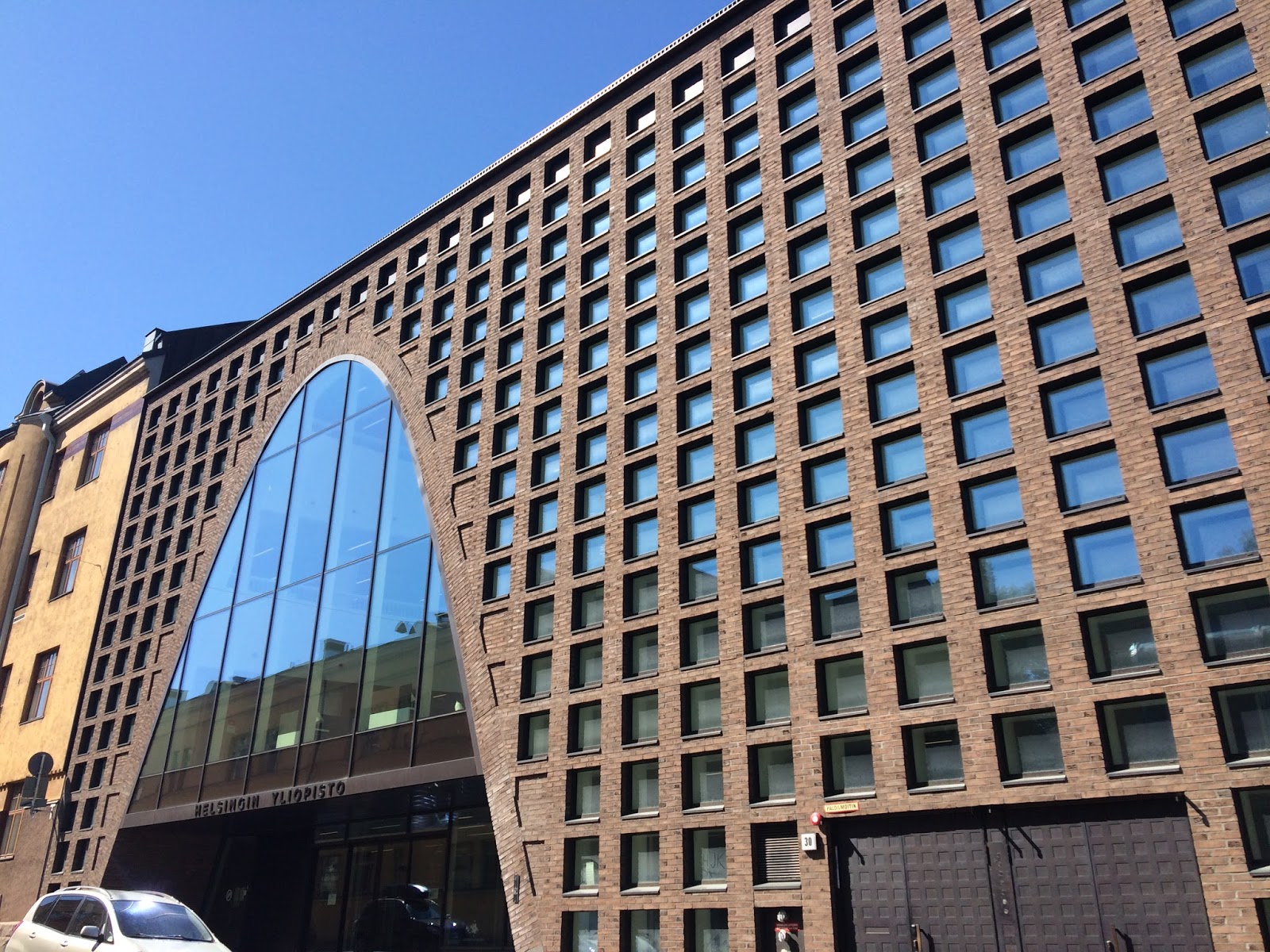
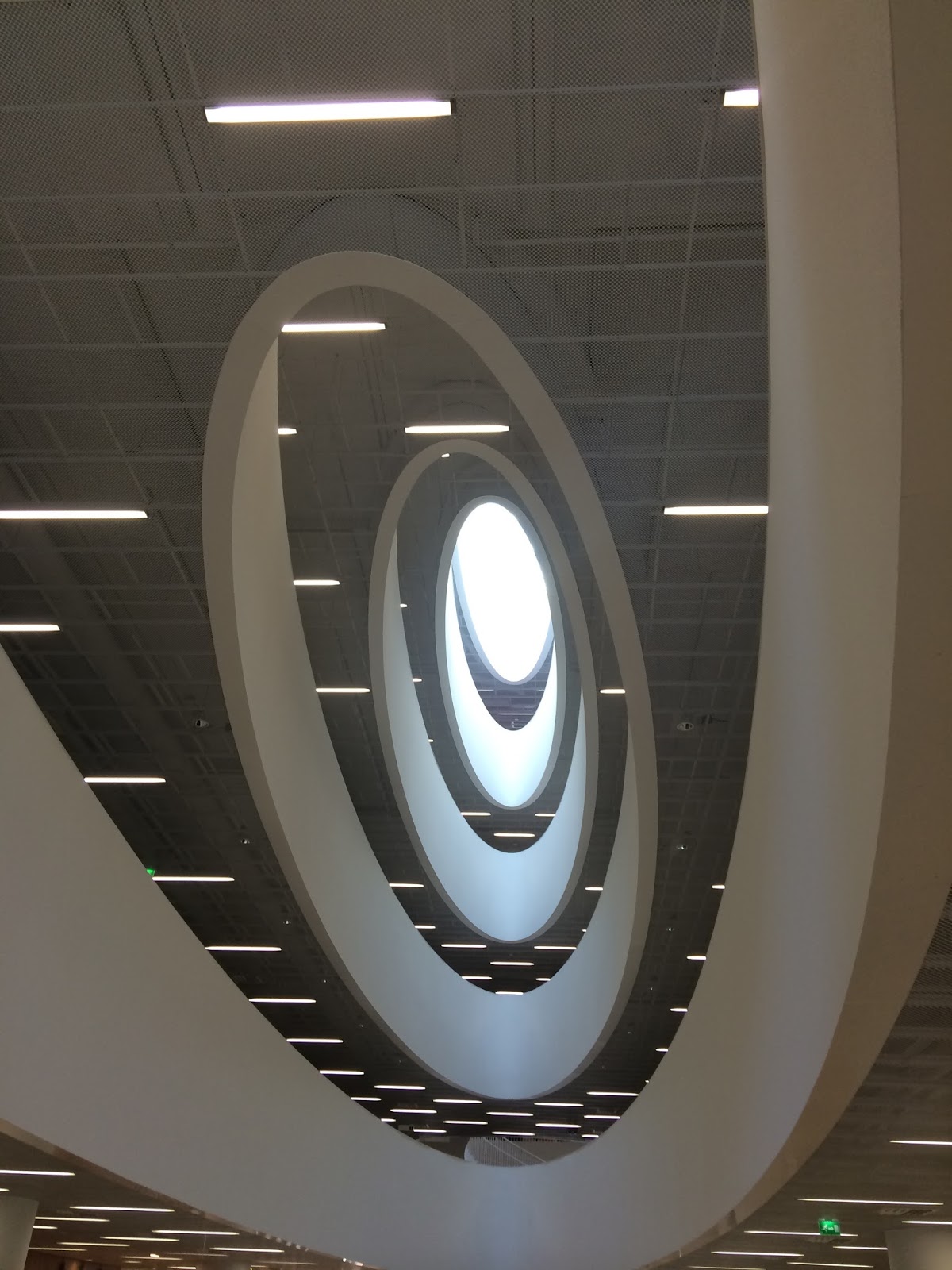
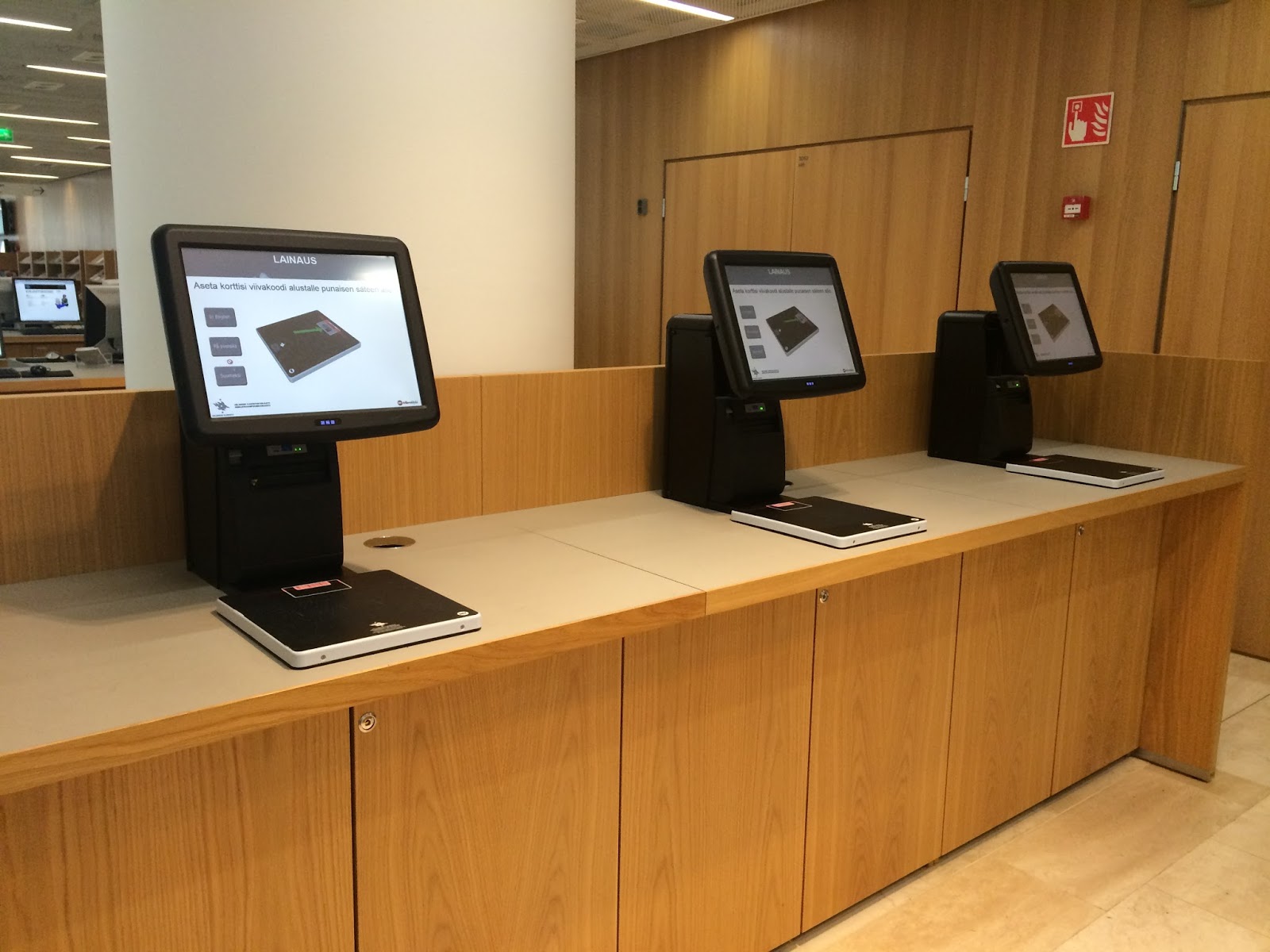
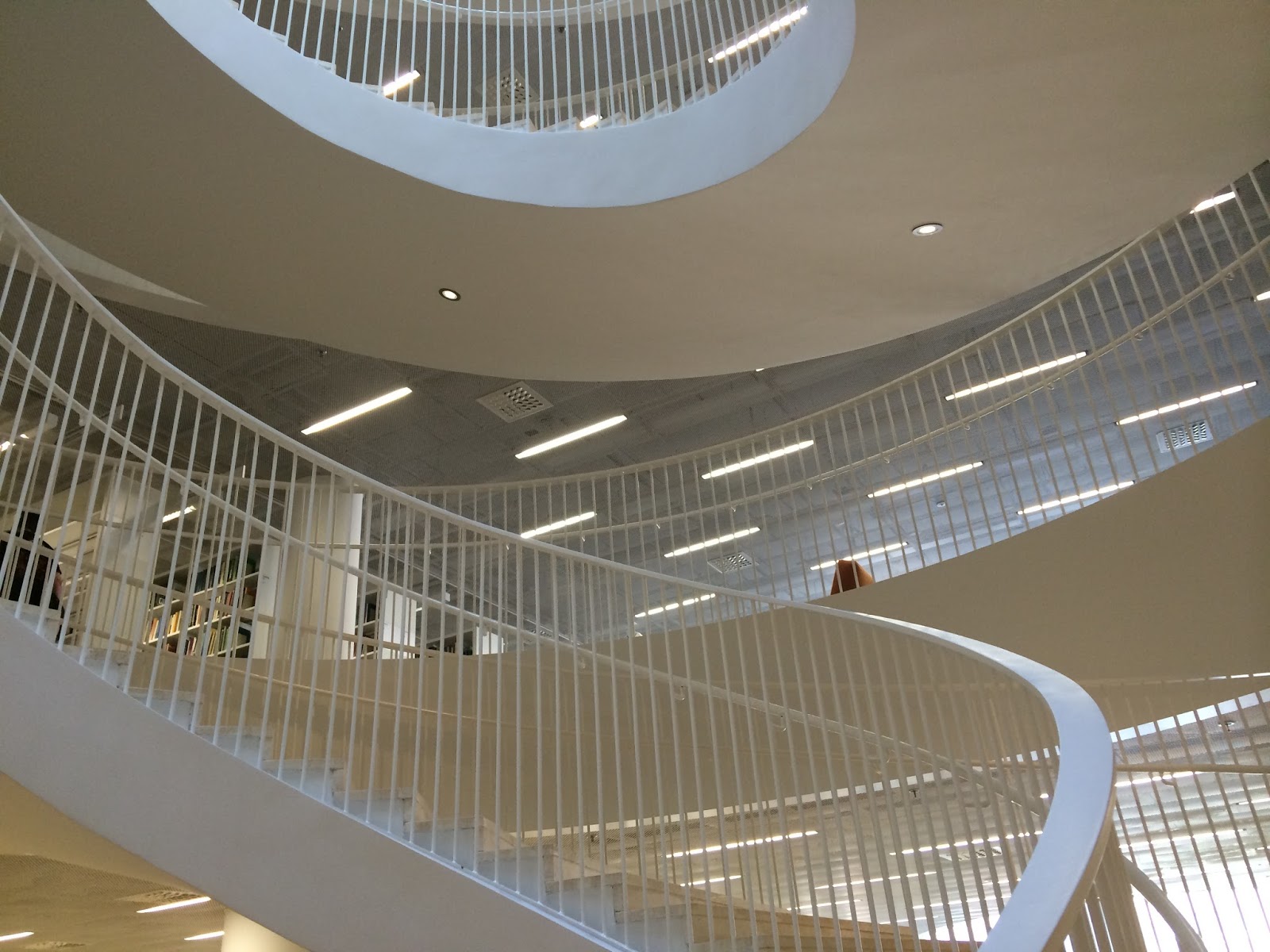
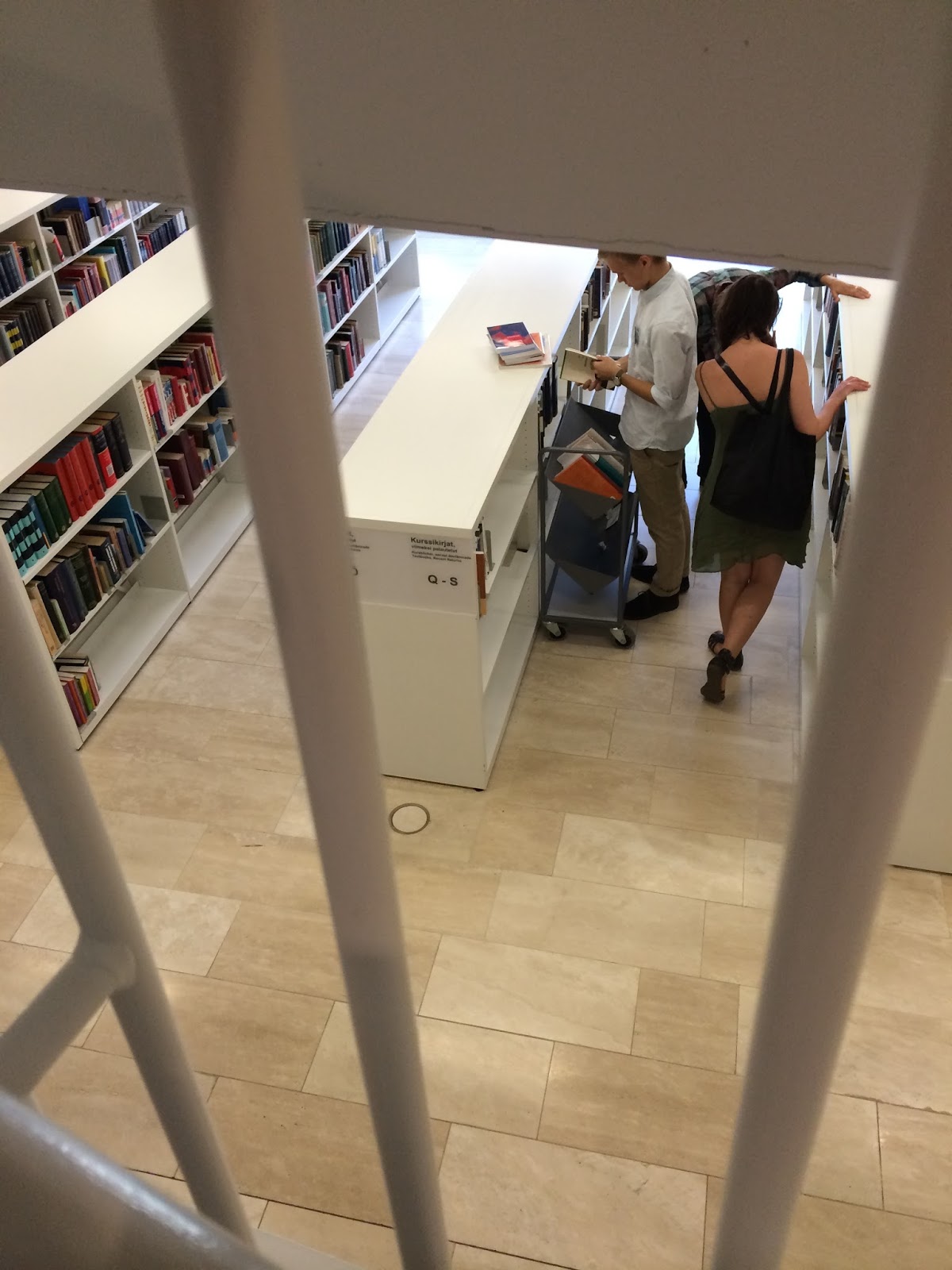
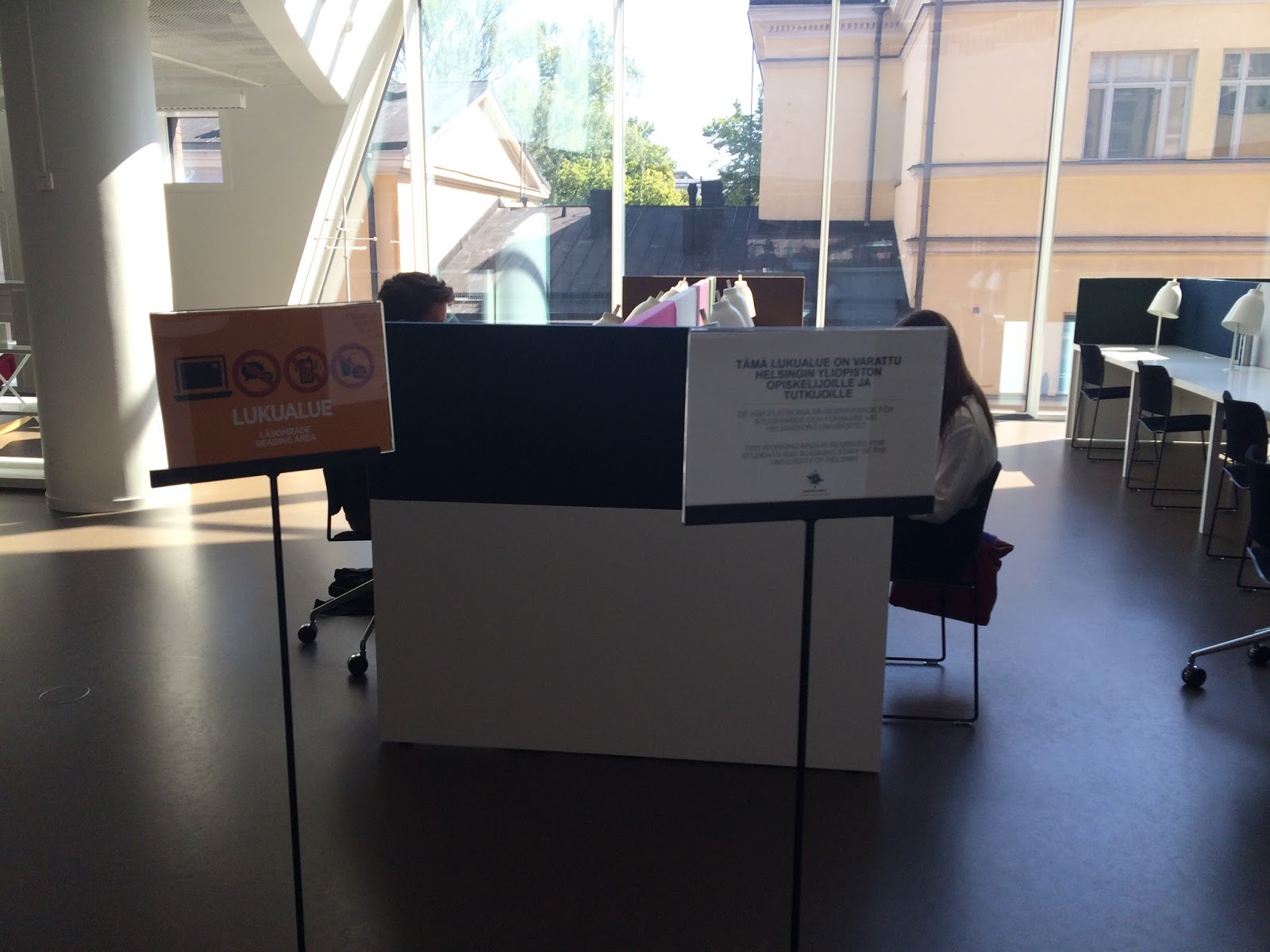
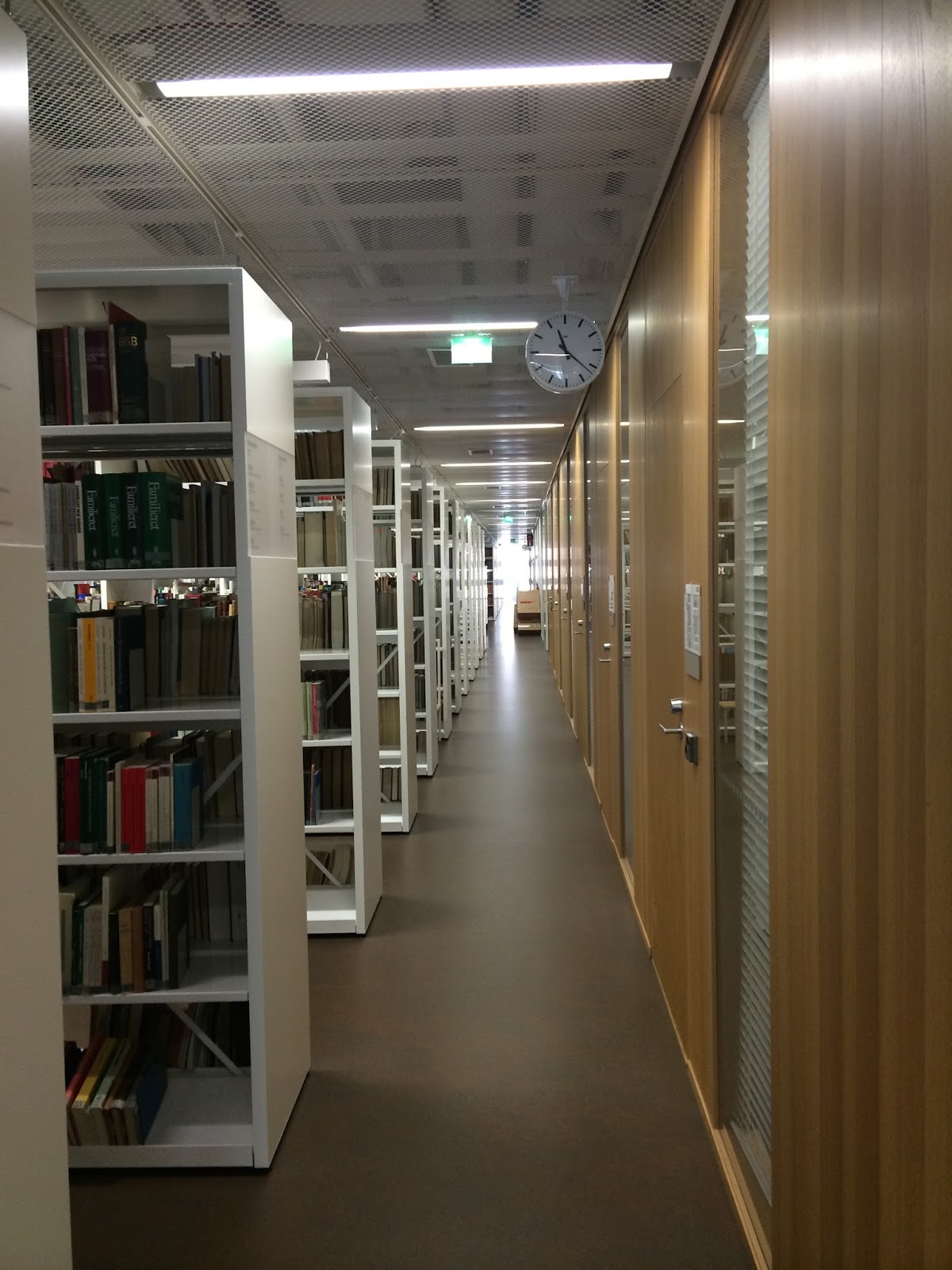
Helsinki University Library
INF505 Library Services for Children and Youth
Five activities out of the following list should be chosen:
- Find, read and analyse a peer-reviewed journal article. (Most journals indicate they are peer reviewed somewhere in the submission information. If unsure check with a CSU librarian.) Observe and document a program delivered for children or young adults at a local library, reflect on the experience
- Create and upload a virtual presentation for children or young adults (using any free or commercial tool, for example Snagit, Slideshare and so on)
- Analyse and evaluate a website designed for children or young adults
- Review an electronic resource for children or young adults or about delivering services to children or young adults
- Write a book review (This could be a book for young people, or a book to support your professional practice. There may also be opportunities available to become book reviewers for journals.)
- Interview a child and/or youth services librarian (virtually, or in person) and give a description and reflection of the interview
- Attend and document a conference/workshop/presentation/event
- Write an article for submission to a professional journal like those listed in the Text and Learning Materials section of the subject outline under “Journals.” (And submit if you wish, great for your professional profile!)
- Engage in a forum, e-list or blog comment thread and write a review of its value, content and son on
- Create a picture book (must be uploaded/available to view online) and describe the experience in your blog (How could you use the book or the creation process in library services for children and young adults?)
- Learn how to use a new tool, software, or game, and write about your experience
- What did you learn?
- How was the activity relevant to your professional practice as a librarian for children or young adults?
- Were any gaps in your knowledge revealed? How might you fill those gaps?
- Censorship
- Diversity
- Young people’s book awards
- Digital materials/resources and emerging technologies
Paying lip service to information
One of the paragraphs in this week’s modules struck me:
“It is often said that we live in an information age, and that the price of failing to act promptly to take advantage of positive new developments or to dampen the impact of negative ones is often likely to be rapid and painful. Yet there is plentiful evidence that sources of information, including both special and public libraries, are under-utilised by those in business and very often seriously underfunded. It is possible to conclude that business (like, one fears, some politicians, local government representatives, university administrators and school principals) is more likely to pay lip service to the importance of good information services than to support them in a practical way.” (INF538, Charles Sturt University, 2014)
I think it is something that librarians have to battle with on a daily – if not some days, hourly basis. Yesterday was a case in point. Our library received not one, but two, lengthy requests for materials and resources (mainly really expensive books) to support curriculum. Oh, but that’s a good thing. It’s a great thing you may think. Teachers reaching out to libraries to support their information needs. Yes. And no. You see, the need for information, the seeking of and the request for and the acquisition and dissemination of the same is not so much an “on / off” switch (or email request) as a dialogue. And what was missing from these interactions was the dialogue.
An information resource does not exist in a vacuum. It has a context. And in a school the context is made up of so many things. And without the dialogue the quality is likely to suffer.
In our training, a big deal is made of the “information interview” and there is reason for this. We need to know details about what the client needs. This includes the age group and reading and understanding level of the students. Where the module fits into the curriculum for the year and where it fits into what has come before and what will happen in the next year. The cultural composition of students. The teacher needs to know what we have in the library. What databases we have access to. What ebooks and digital materials are available. Videos, youtube clips, and libguides we have created. What other teachers have requested in the same and higher and lower grades.
This is why the first step and not the last should be to pop into the library and have a quick chat. That way there is less waste of time while teachers make lists from google or amazon that may be entirely inappropriate, or a duplication for what already exists.
“support them in a practical way” … what does this mean for an organisation and a library service. I think more than anything else, is to give it credit as an integral part of the information flow in the library. Not an add on, but embedded.
And now the chicken and the egg question. Is it the responsibility of the library / librarian or the administrator? Where does one start? How slowly must the process move? At least one teacher said during a meeting yesterday (adhoc, impromptu and sudden for an ‘urgent’ reactive need) “I wish I’d talked to you earlier”. To which we responded by just fitting in with their plans and agreeing to meet their needs. I can’t help thinking about the time management boxes that were so popular a while back with the “urgent, important etc. blocks” Clearly something structural needs to occur. But what and how?
Everyone is trying their best. Everyone has time and other pressures. There never is a steady state. So how do we become drivers, or at least co-pilots instead of passengers on this trip?
Assignment 3: Evaluative Report
Part 1: Online Learning Journal
Part 2: Evaluative Report
During the semester many of the learning activities were interesting and eye-opening. Prior to commencing INF506 I had considered myself to be reasonably experienced in social media personally and considered the library I was working in as similarly “with the times”. I must admit to easily being “wowed” by the newest and latest online tools and gadgets and had previously too easily adopted and (over)-used (Facebook) or dismissed tools (Twitter, Google+).
a) Evaluative Statement:
b) Reflective Statement
One of the most interesting aspects of the course was examining social media under an “academic” lens and thinking about matters such as identity or participation in online groups from a sociological or psychological viewpoint, or personal learning networks from a knowledge management perspective always reflecting back what it means for the library and information sciences (Burkhardt, 2009; Casey and Stephens, 2009) and the individual librarian (Utecht, 2008).
![]() |
| https://flipboard.com/profile/nadinebailey754 |
Looking back in my module notes, on numerous occasions I’ve scribbled “out of date” or “links no longer working” even though the resources were no more than three years old. The core learning in such a rapidly evolving field is the ability to differentiate between concepts and ideas, and the materials or tools that they are embodied in at a moment in time <!–[if supportFields]> ADDIN ZOTERO_ITEM CSL_CITATION {“citationID”:”rXUfU1rg”,”properties”:{“formattedCitation”:”(Shariatmadari, 2013)”,”plainCitation”:”(Shariatmadari, 2013)”},”citationItems”:[{“id”:852,”uris”:[“http://zotero.org/users/1210720/items/GTCPV9DD”%5D,”uri”:[“http://zotero.org/users/1210720/items/GTCPV9DD”%5D,”itemData”:{“id”:852,”type”:”webpage”,”title”:”Writing on the Wall: Social Media – The First 2000 Years by Tom Standage – book review”,”container-title”:”The Guardian”,”URL”:”http://www.theguardian.com/books/2013/oct/11/writing-wall-social-media-standage-review”,”author”:[{“family”:”Shariatmadari”,”given”:”David”}],”issued”:{“date-parts”:[[“2013″,10,11]]},”accessed”:{“date-parts”:[[“2014″,1,30]],”season”:”13:22:11″}}}],”schema”:”https://github.com/citation-style-language/schema/raw/master/csl-citation.json”} <![endif]–>(Standage, 2013 reviewed by Shariatmadari, 2013)<!–[if supportFields]><![endif]–>.
![]() |
| http://paper.li/deschatjes/1387886085 |
My research project “Comparative analysis of social networking tools and technologies for International School Librarians in Asia” prompted me to evolve further as a social networker in my professional sphere. Many librarians had responded on the benefits of Twitter and Google+, necessitating professional exploration into the ways in which these tools could be incorporated in my learning network through aggregators such as Paper.li and Flipboard. Becoming active in both these tools and curating material for librarians and students has been very satisfying as more people access and use these resources.
However, despite these useful tools, there is still a frustration shared by the librarians canvassed in my research. On the one hand there are graphically interesting, dynamic, current but ephemeral resources (Twitter, Google+, Facebook, Paperli) which are constantly refreshed without reference to what is useful in an ongoing manner. On the other hand there are the static collaborative wikis (Wikispaces) which had their hey-day in professional networks around 2006, but are suffering from neglect and time shortage on the part of their initiators. There are attempts at social bookmaking using folksonomies (Vander Wal, 2007) with less graphically enticing but practical tools (Delicious, Diigo). Forums and listservs as social media didn’t receive a lot of attention in the course although these appear to be the dominant mode of interaction for many of the professionals surveyed. As a professional and as a researcher I have become more and more interested in knowledge management and how the world of the online social network can be carved out by organisations and individuals to meet their information and learning needs and this is something I would like to explore further.
The concepts of online identity are fascinating and manifold. Reading around issues relating to identity, trust, privacy and security in social media made me re-examine both my use of social media and that of my family using various tools suggested in the modules. Professionally the most important take-away for me has been the value of building up your online professional identity as a librarian using your own name as a “brand”.
Practically I’ve learnt much which can be directly beneficial to my work, whether in terms of Website design (Lazaris, 2009; Mathews, 2009) or marketing (Brown, 2009) or how to approach teaching students about the use (and abuse) of Social Media (Valenza, 2009; Stephens, 2011; Lorenzo, 2007) and the creation of a social media policy (Dearnley and Feather, 2001; Lauby, 2009) and strategy (Kagan, 2010).
Finally, the best part of the course was to be afforded the time to systematically explore the world of online social media in all its aspects, to play around with the tools, using and keeping or discarding them according to their relevance or usefulness while still earning academic credit!
I’ll end this reflection with the latest Facebook meme – the wonderful “Map of the Internet 1.0” created by Jay Jason Simons – a graphic glimpse of the state of the Internet world in 2014.
![]() |
| Map of the Internet by Jay Jason Simons @ deviantart.com |
Module 5: OLJ assignment – Social media Marketing Strategy
Read Brown, AL. (2009). Developing an Effective Social Media Marketing Strategy, in Salt Lake City Social Media Examiner (30 July), then
Examine
- written plan
- how much time
- friend / following policy
- target market
- budget
- which products / services
- which sites used
Teachers – most are very digitally literate – use most of the google tools, twitter, facebook, instagram, linkedin, pinterest etc.
We’ve started to put more information about the library in the school newsletter ebrief, and whenever we have something new, the librarian posts it on google+ to the teachers. I’d like to see the bulk of our marketing efforts geared towards the parent body this year.