Day 4: Technology in the library – how has it affected your role

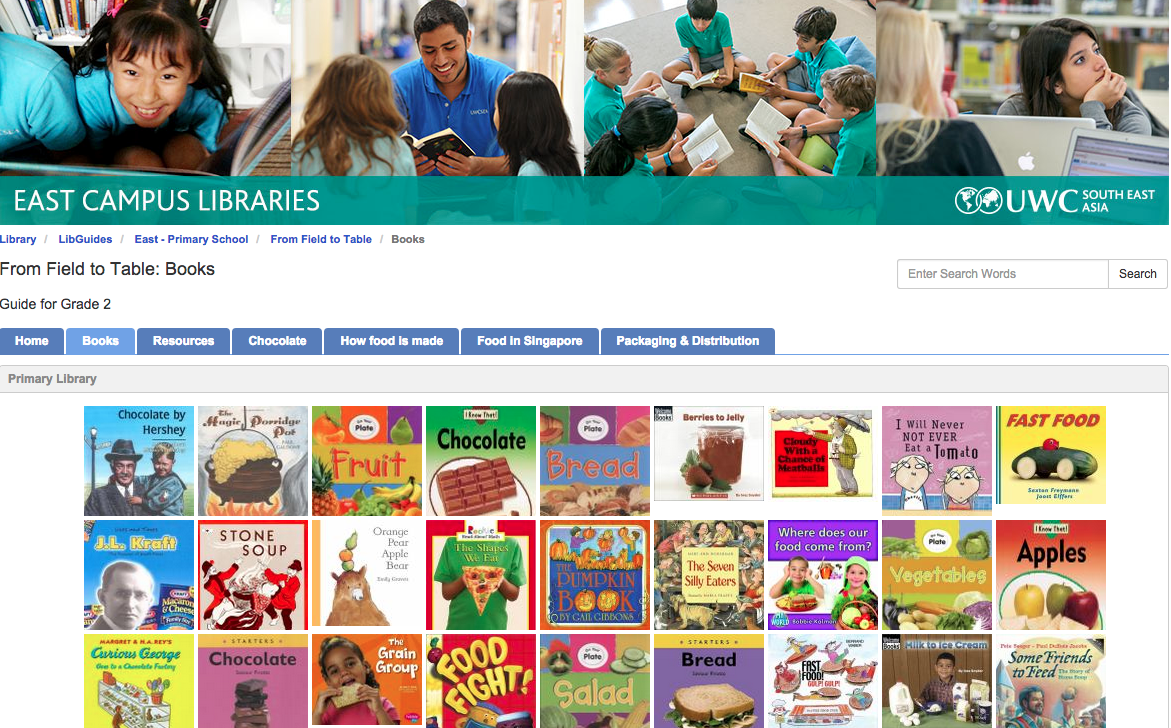
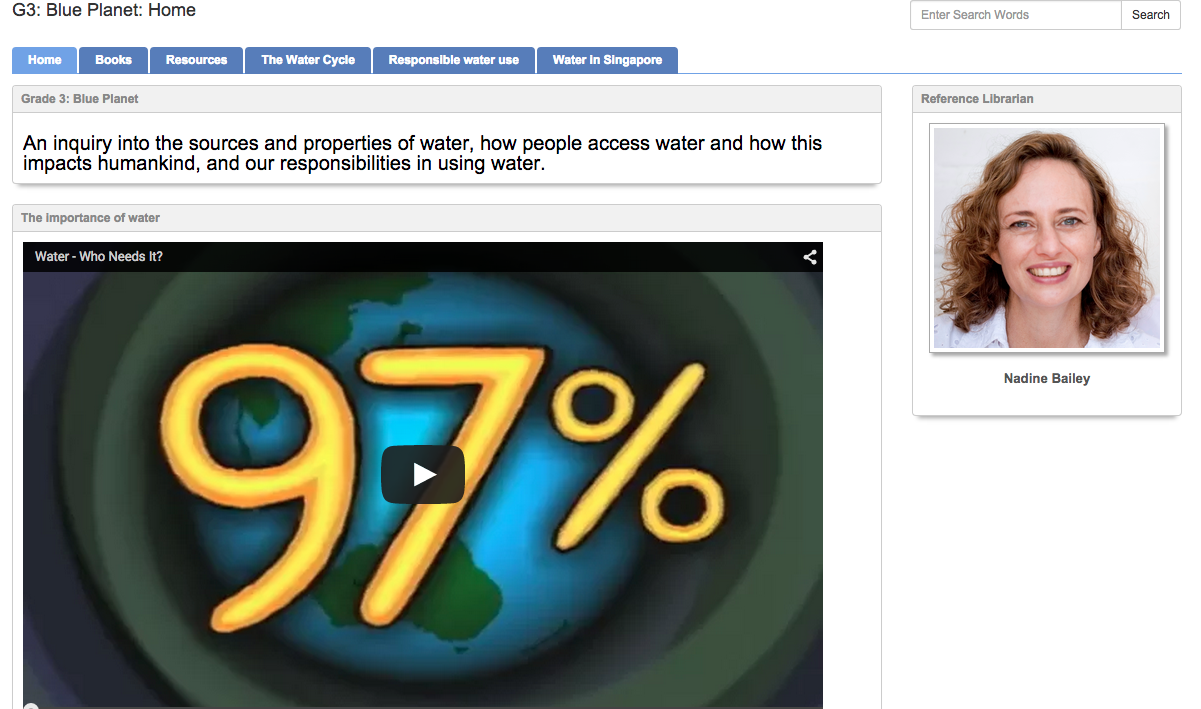
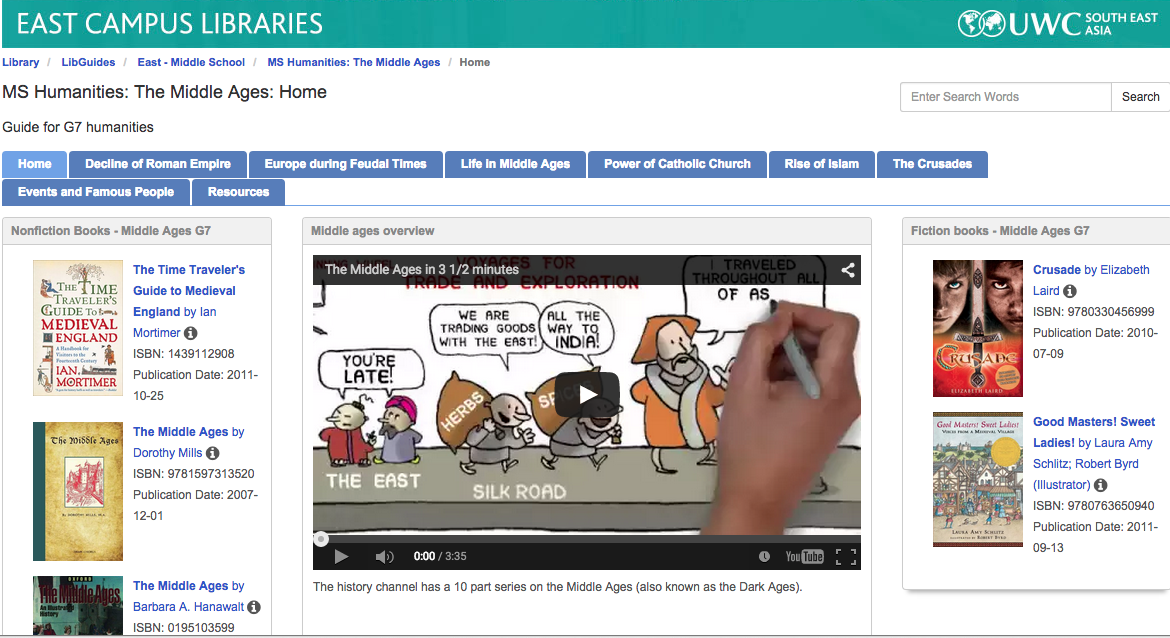
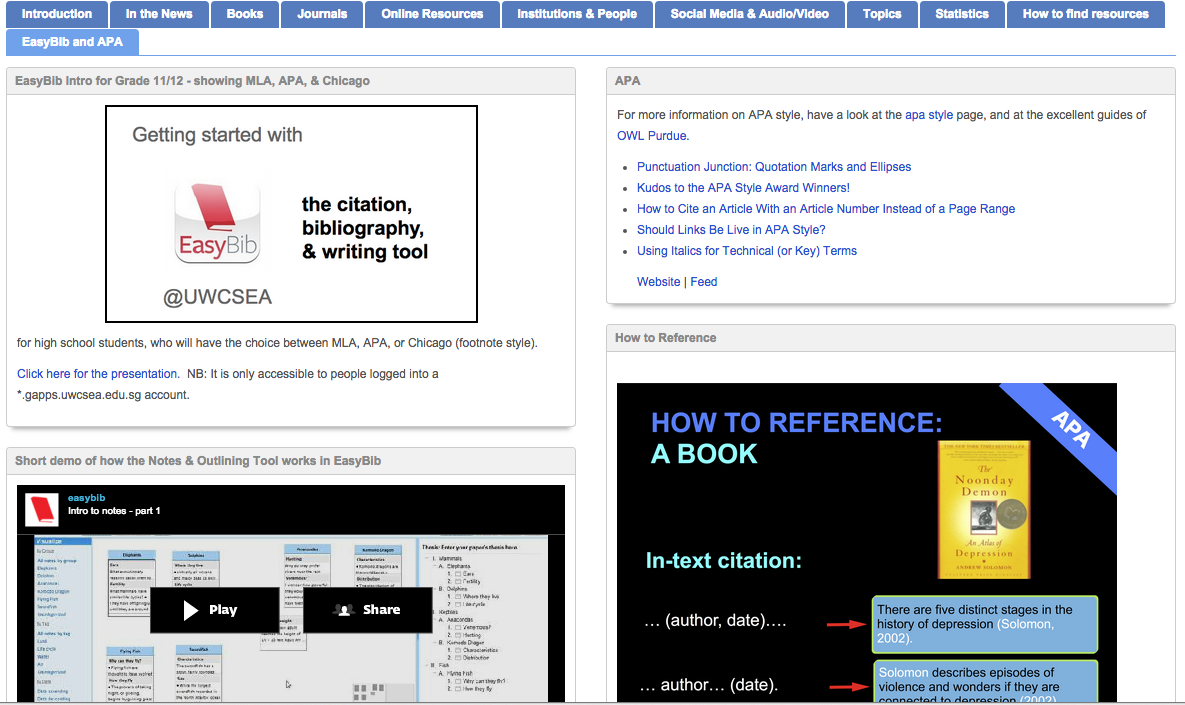
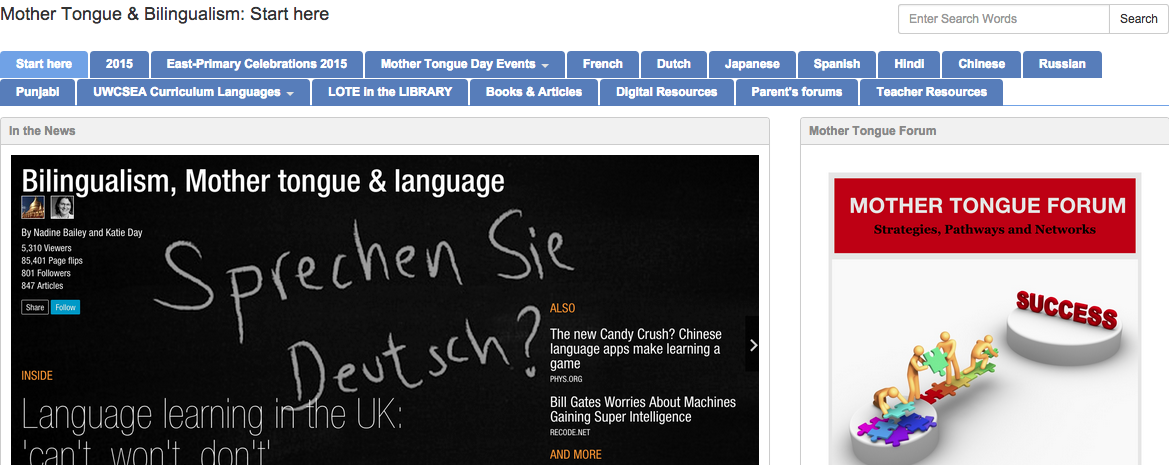
I’d say that it’s thanks to technology that I have a role in the library.  Just before doing my work placement I got involved with creating a pathfinder for my course in information services, which was quite well received.  On the back of that, during my work placement I had the wonderful task of creating lots more pathfinders – all using Libguides.

Here are a few of them:
Psychology
Music
Mathematics
Science
Economics
Drama & Theatre

One of the wonderful things about technology in the library is that it means that we can curate information for all types of learners in all types of formats, catering to the way students best absorb information and learn.

Today I saw a really cool infographic on videos, personally I HATE getting information via video, but it’s the best way for my son to learn.   And – newly learnt from that infographic – youtube has become the second biggest search engine on the internet after google …

The good thing about a pathfinder like libguides is that I can incorporate videos and pictures and podcasts and links to books.  I can make it very visual.  I can make it current with links to RSS feeds from the news, and design-like with my click-through to the various flipboards we’ve made for each subject.

Not every librarian has the time or inclination to make libguides, or likes making them, or enjoys sniffing around the internet for just the right video or picture or podcast or blog, but I love doing that.  I’ve got all sorts of ideas for pathfinders for lots of different things, not just academic subjects – like one for parents of special learning needs kids – everyone needs resources and it’s so much easier if you have a starting point, not just the whole wide web shooting it out at you.
Library 2.0

ACTIVITY
View this YouTube video called ‘Building Academic Library 2.0’. This is part of a symposium sponsored by Librarians Association of the University of California, Berkeley Division in 2007. While this presentation is over one (1) hour in duration, there are a number of key points raised by a number of speakers, including the keynote speaker Meredith Farkas, that relate to any library or information agency that is trying to transform their library into a 2.0 Library.
Consider advice provided by one or more of the speakers in terms of a library and information agency that you know (as an employee or user). Select five (5) key pieces of advice from these speakers, and consider how these may be applied to your library to help it embrace a Library 2.0 ethos. Write up your findings as a post (of no more than 350 words in your OLJ).
 

Although the library I am working in can be considered to have embraced Library 2.0 in all of its aspects, that doesn’t mean that there isn’t a possibility for improvement.  After listening to the talk, the following 5 points struck a chord with me.

1.  Use of microblogging to communicate within areas of the library – since our campus has two libraries and the college has a sister college who we co-operate closely with, also with two libraries setting up some kind of professional micro-blogging knowledge exchange would have potential benefit.  
2.  The fact that current students often turn to their parents as their first port of call.  I think we could be much more proactive in involving parents in understanding how the library can help the academic success of their children.  A few sessions aimed at parents explaining how libguides work, how the catalogue works and how to search academic articles through our journal databases and a bit on citation and social/academic bookmarking would be very helpful and possibly lead to a higher take-up.
3.  “Go where the user is” – we have started greater co-operation with subject teachers through creating LibGuides with help of their input. It would be useful to also have subject specific Diigo accounts where students, teachers and the library can all tag useful links to articles and information.
4. How do we classify? We have already separated out parts of the collection, such as playscripts, biographies, graphic books, poetry.  We are also creating special areas for the IB subjects where we keep multiple copies of “hot reads” where books are no longer purely in the Dewey System. I can only think this process will continue, perhaps to the fiction area where genres are separated out.
5. Time taken to implement.  A number of times the talk mentioned that take-up time for any technology could be in the region of 18 months.  I think we have a bit of a mentality that “build it and they will come” and perhaps we need to spend even more time on user education and encouragement to use the wonderful tools we have created.

Here is a link to a summary of the talk.

References:

Farkas, M. (2007). Building Academic Library 2.0 [YouTube]. Retrieved January 30, 2014, from http://www.youtube.com/watch?v=q_uOKFhoznI
University of California Berkeley Library. (2007). Academic Libraries 2.0 Keynote – Meredith Farkas [Blog]. Retrieved January 30, 2014, from http://blogs.lib.berkeley.edu/newdirections.php/academic_libraries_2_0_keynote_meredith_


new toys! new toys!

So I’m working away at the template for the libguides and at the same time I’m busy creating the psychology libguide.  Why I’m doing both simultaneously is that I’m trying to make the template a “how to” as well.
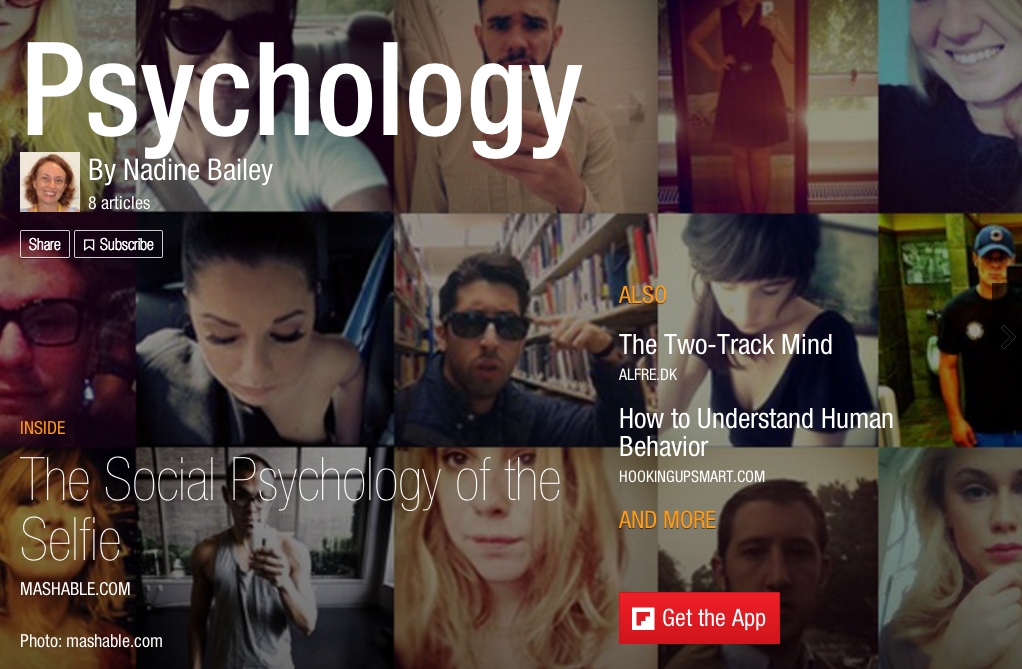
Today Ms. K showed me “Flipboard” which is a curating tool on the ipad.  Basically you use it to create your own online magazine.  It’s really really cool because it’s so nice and graphical and glossy. OMG what a great tool for teen girls – instead of all that crap served up in Seventeen and Cosmo you could curate and create a magazine for a girl with a mind!   No adverts, no self-loathing of the body after reading. The possibilities are endless.

Anyway, I made up a little mock flipboard for psychology and populated it with some articles and then was shown a rather clever trick to get it into libguides.  Which I’ve promptly forgotten, so I’ll need to check out what I did and do it again …

OK, so the first thing I did was email the URL of the guide to myself, and then I made a screen shot of the cover (command / shift / 4)

Using free text edit, I put in the picture (using width = 100%) and then added a link to the flipboard behind the link…  It looks really cool in the libguide, but really was quite easy!

We’re jointly curating some flipboards for each of the subjects so that it can be part of our “in the news” section as a cool graphic.

Of course down the road the issue will be to keep it current and interesting and changing for the more dynamic subjects.  A really good example to look at is the WW1 flipboard created by Adrian van Klaveren he has (as of today) 3,691 readers, 81,166 page flips and 281 articles!

I’ve spent enough time on screen time now, so it’s time to log off and switch off.

How to …

Today is becoming a “how to” day.  I’m busy creating a template for all the IB introductory guides for various disciplines.

I’ve created the skeleton and now I’m trying to use it to fill in the first one. I chose psychology as that was part of my undergraduate degree and I still am a keen follower of the field.   I’ve already done one on Development Economics – but that was a specific field within the Economics discipline.  I’m now wondering if as part of the template I should also include some “how to” on each section.

We’ve agreed that the pages would be:

* Start here (introduction)
* In the News
* Books and Physical resources
* Journals
* Online Resources
* Institutions and People
* Audio & Visual and social Media

We’re trying to decide whether to put the “fields” within the disciplines (or whatever we’d call it) as a separate page linking to the various Libguides or to put that in the introductory page.  For example the discipline Economics has as fields, MacroEconomics, MicroEconomics, Development Economics etc.  Psychology would have Social Psy, Development Psy, Organisational Psy etc.

I’ve started looking at some Audio and Visual links, and run into the first thing – how to get an iTunes podcast feed onto the Libguide – it’s something I did a couple of weeks ago and I’ve already forgotten and having to look up again.  The trick is to find the RSS or other feed, so I’m thinking in the template to have the standard introduction we use for each section, but then perhaps in another colour have a “how to” or at least link to the best resource on how to do it …
I’m running into the problem of RSS being used less and less or the feeds being invisible.  Drat.

I found a couple of brilliant resources this afternoon.  This first one is a “how to” add media resources to your guide.  And then I found two seams of gold, first the psychology libguide of  UMass, which had some excellent journal links and then this excellent list by the Social Psychology Network of blogs, podcasts and RSS feeds.

Quite a productive day.

A few of my favourite things

Series sorted in boxes with QR code

I started my professional placement last Monday and I’ll be working at one International School library for 4 days a week, under the guidance of a very experienced library, while continuing to get myself wet by jumping in the deep end with the library makeover project at the other school on a Wednesday.

It’s been quite an adjustment after a “working hour” type work hiatus for the last few years.  But there are more than enough of my favourite things happening for that to bother me.

During the past week I’ve:

* sorted guided readers and tried to reconcile orphan books with their boxed companions and ensure they’re properly catalogued and physically accessible to the teachers and children who need them
* peeled off old stickers under an old system and replaced them with the new ones

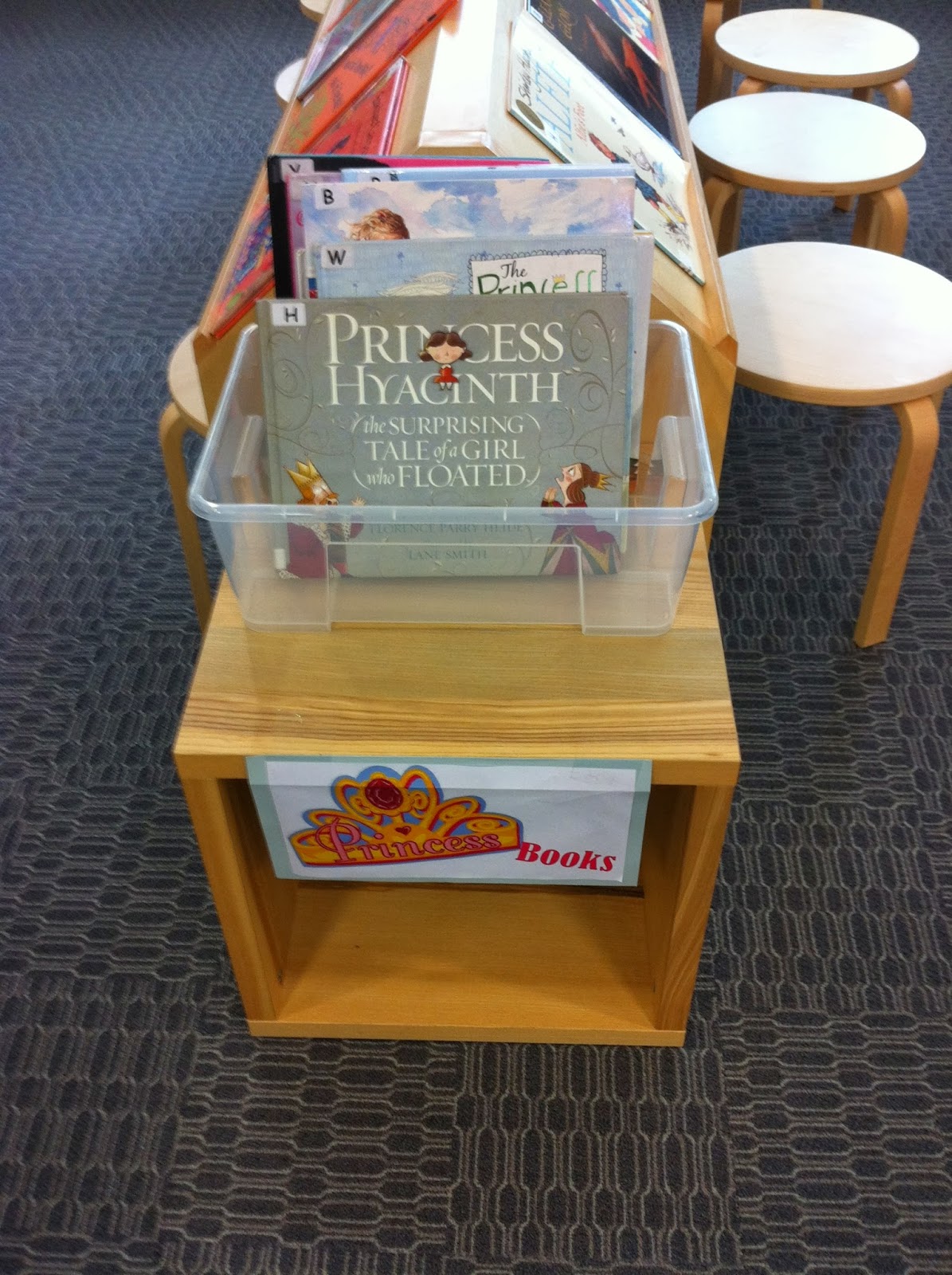
The Princess Collection …
was never my “thing” but
girls who like princess books
have a nice habit of calling
you “pretty” – so let’s indulge them

* created a cataloguing taxonomy for cataloguing our chinese books – although as the librarian said – it was a Porche and they only needed a Lada.
* done some circulation – checked books in and books out, and for the littlies checked the same books in and out and in and out while they decide which books are the most critical for their reading this week.
* been called “pretty” by a very sweet little girl (ego stroke!)
* been in contact with lots and lots and lots of great and wonderful books (more later)
* had nice buzzy conversations with wonderful people who love and read great books
* started making a template Libguide that we can use to create other Libguides for all our IB subjects.  It will be for introductory guides to let students “get their feet wet” in a topic as they start thinking about what their passion is and which they’d like to do their EE (extended essay) on.

My first LibGuide

I’ve managed to make my first LibGuide, otherwise known as a pathfinder or guide.  It was a requirement for my current course INF406 “Information Sources and Services”, which to be honest I enjoyed so much that I’ve decided to change the way I’m going on this degree from “youth and adult services” to a more digital and reference librarian bias.

Once I got my assignment I asked at school if there was anyone who wanted / needed a pathfinder and the Economics head asked for one on Development Economics.   I have to admit that Economics was never my favourite subject, neither in my undergraduate degree nor in my MBA.  Well, I liked and was terribly interested in the concepts and case studies, but hated the graphs and so called “academic rigour” that was applied to something that I found totally behavioural and that didn’t follow any of the supposed “rules” or “theories”.   Luckily things have moved on somewhat and it was quite a fascinating process deciding what to include and leave out of the pathfinder.

I was terribly (and luckily) constrained by the demands of the assignment that it was kept to 20-25 information sources, included at least 5 journal articles and 2 books and a limit of 2500 words. Otherwise it would have grown like topsy – speaking of which, Topsy.com is a rather nice new social media tool where you can agglomerate what’s happened on the web within a specified time frame… cool for some time wasting if you’re not busy researching anything else (try “chinese” and “homework” for some fun).

Anyway, here is my “official” libguide, which was submitted and the “unofficial” one, or rather the one the school will use which is much more extensive.  There are some pretty cool videos – and I’ve found a new favourite economist – Esther Duflo! Check her out.

I’ve learnt a TON by doing this. After I’d submitted a fellow student and experienced reference librarian who is a LibGuide ace – and taught me how to use it, showed me hers – I have a way to go yet, baby steps!

Teaching & Learning