Online learning is not new shiny things

I’ll be the first to admit I’m an old boring Cassandra. It possibly / probably has to do with my age. Just to put things into context. Once upon a quarter century plus ago I was an auditor finishing up my articles. It was in the days when “calling” existed. Not the kind of cold-calling or call-centre type of calling, but when every single document that left the accounting firm’s doors would be read by one accountant to another (not secretarial staff, the actual articled clerks with three or four years university behind them) and checked to ensure there were no typos or spelling or number mistakes. This was the 1980’s just at the cusp of personal computers. It was tedious but important work, because the reputation of the firm and profession was at stake – or so we were told.
messengersA podcast episode that made a particularly profound impact on me was Freakanomics’ “In Praise of Maintenance” . Another favourite is Hidden Brain’s The Cassandra Curse which is particularly pertinent at the moment – with the fudging of Corona Virus numbers by a person who shall not be named in a country that should know better. A great book to read on Messengers and Messages is “Messengers” by Stephen Martin – valuable lessons on who gets listened to and why – spoiler – middle aged women are generally not listened to.

What does this have to do with online learning due to school closure in the time of Corona? That doesn’t quite trip off the tongue like “Love in the Time of cholera“… Well basically people are spending a lot of time exchanging tips on what tools to acquire and how to use them. All the tech giants and wanna-be’s are out there touting their wares and offering freebies (but what happens when everyone invests time and effort into content in them and we go back to having to pay???). Twitter and Facebook are awash with what tools to use for communication, teaching, feedback and learning. Padlets and Wakelets abound – that will all be redundant or fall into disuse or no longer be updated before you can blink your eye – because maintenance is well, boring. About one in 100 things I read are about sensible boring matters like setting up procedures, making sure systems are secure, robust and accurate.

And yet probably 99% of my time is spent documenting, testing, and fixing things that go wrong as people rush from the one new shiny thing to the other. It’s the boring maintenance stuff I’d recommend you spend some time on –

  • is all student data up to date in your student information system – we’ve had some poor souls join school during closure!
  • Are all students in the right classes / groups for every tool you’re using?
  • Is there a central entry point that students/parents can find information and get the daily/weekly learning and ask questions / get answers and where attendance can be taken?
  • Is there a place where information and knowledge management / FAQs can be accumulated for Teachers and Students (ours are in libguides)?
  • Are expectations for Teachers and Students clear, unambiguous and enforced (if necessary)?
  • Are there central calendars, preferably by grade where students and parents can check for online classes and meetings and assignment/assessment dates?
  • Are the lines of communication for Edtech / IT support / curriculum support etc. clear and easily found and used.
  • Are we working hard or are we working smart? Witness the overwhelming inboxes of some teachers who don’t make use of central forums for Q&A but still answer individual “same same” questions time after time.

A very valuable (but time consuming) exercise is to pick one student per grade and follow their “expected” path online checking from morning check-in, class to class, tool by tool and including the calendar to see that everything works as expected.

To parody the old saying of “an heir and a spare” – for each teaching and learning outcome you probably only need a pair of tools. One that is your trusty old steed that you preferably already were using before closure and everyone is familiar with (I nearly said “happy” there, but I deleted it, because hardly anyone is ever happy with the familiar old steed, they want the “next thing”) and you can use for 95% of things and the other is the one you have as a back up for when things collapse for one reason or another .

OREO online learning I still like Alison Yang’s graphic that came out waaaay at the start of the closures – about a million years ago (actually only five weeks but it feels much longer). Since not all the tools she recommended were “China Friendly) I used it (with permission) as the basis for the summary of the tools we’re using – each link in the guide leads to a page of explanations and usage tips and recommendations.

There comes a time in online-learning when as a community you have to agree to say “no” more often than “yes” because there is only so much a community can absorb, process and use effectively. You also need to be able to focus on just one thing each week on the back-end and do it properly.

This week was my “week of the calendar”. One could possibly not think of anything more boring and less “sexy”. But I was floundering under the 100s of zoom and team meetings that were popping up everywhere, some clashing with each other, many invisible or rendered invisible by poor naming strategies. I think I’ll change this into a separate post to minimise a TW/DR problem in blogs.

Have a great week – and don’t forget the plumbing.

Addition: 18 March 2020 – this is getting a lot of attention so I thought I’d add the infographic I made yesterday – happy to improve it based on suggestions (please add as a comment in the comments)

EdTech this and this


Photo by Sharon McCutcheon on Unsplash

#1 Digital resources

In an attempt to blog more regularly, I’ve signed up for a challenge – so these posts will be in amongst all the other stuff I may be blogging.

#FutureReadyLibs 10-Week #BlogChallenge Challenge #1: How did you get involved in the Future Ready Schools/Future Ready Librarians initiative? Are you involved in the district strategic planning process? What is your vision for a future ready school? What makes you a Future Ready Librarian?

How I got involved

Well I guess it was just a result of being added or adding myself to a Facebook group that looked interesting. Sometimes things just happen that way.  Also since I’ve just finished my MIS and M Ed degrees I’m still vaguely interested in this type of thing, in order to keep my learning up to date.

frlblogchallenge1I think our school, as an IB PYP school is pretty future-ready in many aspects, in fact sometimes I think the cost of being “future ready” is that you occasionally need to go “back to basics” and check up on the 3 R’s and make sure you stay sober and self-critical.

Am I future ready as a librarian? Looking at the little graphic on the left, I can tick most of those boxes, or slices, inasmuch as things are in my power at least. And where not, I’m constantly nudging for change.

I’m not entirely sure if I’m on the right topic for this week – I’d note “digital resources” so I’ll write a little about that.

Curates digital resources and tools:

When I started my job at my current school I’d come from working part time in a secondary library where a large part of my time was spent creating library guides for the Middle & High School (including the IB).  I was lucky to have Katie Day as my mentor, and we had many many discussions on how to curate resources so that students had easy access to them from their laptops (they’re a one-on-one macbook school in secondary). The idea was to have digital resources in the form of videos, curated Flipboard articles and database access, but at the same time make our physical resources digitally visual and “clickable” for later borrowing as necessary.

Screen Shot 2017-03-28 at 4.55.31 PMSo, a few weeks into my new job I discovered we had an unused library guide subscription, and I immediately put it to work. Of course curating for primary is a somewhat different proposition. Immense more thought and care needs to be put into ensuring things are age appropriate – in content, in level and in access.  And I was a newbie … so it was a case of building things and hoping they would come. It’s taken a while. After the first year, a couple of teachers were on board, and now more and more are coming to expect and use the resources. My main objective is to move away from letting kids “just google it” to an idea of just like we don’t throw a bookshelf full of books into their UOI (unit of inquiry) boxes, but make sure they’re appropriate for the grade level, for the central idea, for the lines of inquiry, and may even evolve as they go through a unit, so too we can have digital resources that are similarly curated.

A few things have been a huge boon in this respect.  In the first instance I cannot express my admiration for Epic books enough. They are an absolute game changer.  In terms of depth and breadth of their books they far surpass the incumbents such as Tumblebooks. I do have some librarian type quibbles with a few of their set-up methodologies, but that’s small fish compared to what they’re achieving.

Secondly, Springshare – the owners of Libguides are just phenomenal in their ability to constantly evolve and develop their platform. I love the fact that the libguide community are so amazing in their ability to creatively curate, to combine physical and digital and particularly the fact that they demonstrate CREATION and SHARING, which is absolutely what a future ready community should be about.  Also, my desire to make good looking guides has pushed me to learning some (very basic) HTML which never ceases to impress the fine young gentlemen and ladies in my library who then realise I’m not just an old library lady!

Thirdly LibraryThings for Libraries through their book display widgets they bridge the gap between a lovely visual interface (libguides) and an old stodgy very unfriendly catalog (Follett Destiny).

As far as tools are concerned. I try to keep introducing appropriate tools to my students and to fellow teachers – but only if they are meaningful. It’s a balance. Our students are “over tech-ed” and we’re getting a lot of pushback from both parents AND students about the amount of time they spend in front of a screen. So where it saves time, hassle, helps make things neat and well spelt, sure. Otherwise it’s back to the physical.

Empowering Students as creators

I’m very fortunate to be in a school environment where there is an EdTech coach and a STEAM coach. So wild ideas for physical or digital creation can be co-shared with them. We’ve had students create book trailers, book recommendations, book spine poetry, book covers, their own books, display work pieces in the library etc.  I don’t think any of that is particularly special though – most librarians do that kind of thing in conjunction with their students and teachers – it sure makes displays easier!

Builds instructional partnerships

That part is definitely a work in progress. It’s tricky. I could blame a whole host of things – fitting in 35 classes a week on a fixed schedule, a yet to be approved information literacy scope and sequence that’s embedded in the curriculum, running, managing and keeping up to date (and renovating) a facility, curating digital resources in library guides … but instructional partnerships is a ball I’ve dropped. Or actually never really properly had in the air. It works piecemeal, depending more on relationships and invitations than being structural. I’m working on it with my fellow librarians from our other campus, the head of curriculum etc. It takes time is all I can say. And I don’t think I’m the only one saying it judging from the comments of my fellow teacher-librarians.  I beat myself up about it a LOT in my first year. To the point of tears. This year I’ve been distracted a bit by the renovation and staff medical issues. But we’re inching there.  Watch this space.

Digital Storytelling tools worth looking at (1)

There is a plethora of tools in the virgin outback of digital storytelling.  This does not make one’s life any easier, plus there is the chorus of cellos in the background warning you that most of these tools that you invest time and effort into learning and using may not be around forever, or even for very long.  So what’s one to do?  Certainly it shouldn’t stop one from playing around and experimenting – particularly with the more common tools that are handy to know anyway (think iMovie / window’s movie maker etc.) I’d love to hear comments of what you’ve used and what has worked for you or your students

Here are a few of the tools I’ve experimented with personally, or have seen well used during my INF533 Literature in Digital Environments course at CSU (if you’re looking for a great course to upskill yourself, I can thoroughly recommend it – you can take it as a single course “just for fun” and it is fun).

Creativist is an example of “scrollitelling”.  It’s a really low-barrier tool where you can combine pictures and video with a story.  The free version limits the size of your files (150 MB).  DW Academie gives a rather nice guide here which is worth reading through before you try.

https://www.creatavist.com/featured

Inklewriter by Inklestudios is a platform for interactive choice based stories.  It is really easy to get started on and in its simplest version one can just add text.  Photos can be added relatively easily but there is no video option, which is a pity.  I can see great possibilities for use with students who are exploring options for example of subject choice or university or study choices – they could explore options and alternatives in a “safe” and personal environment imagining “what if…”

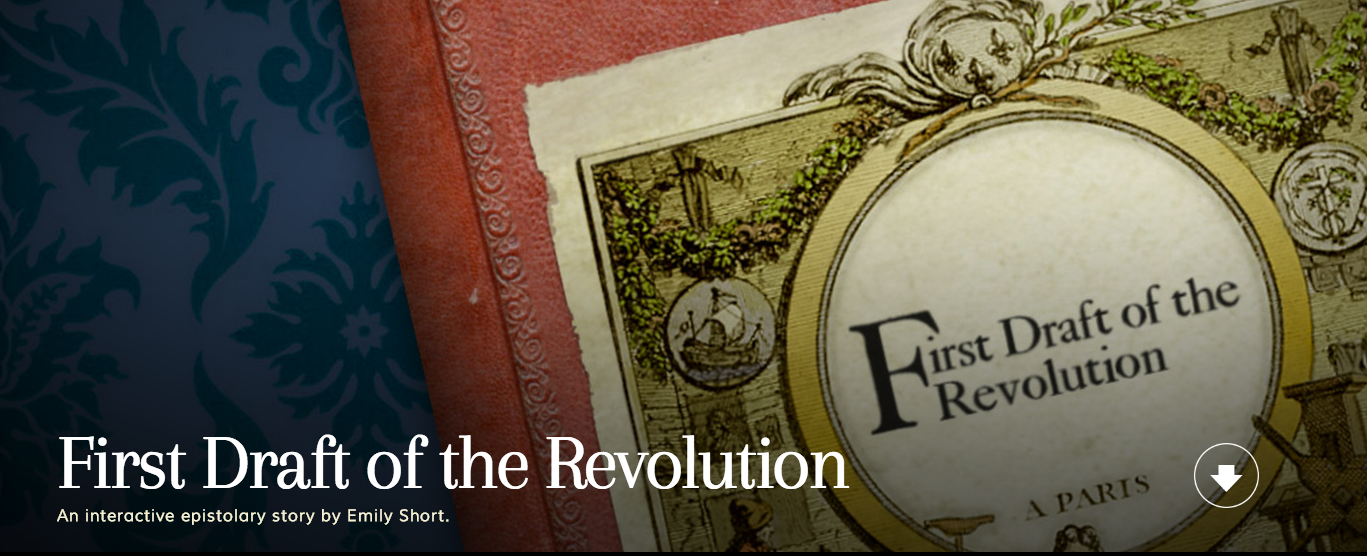
http://www.inklestudios.com/firstdraft/

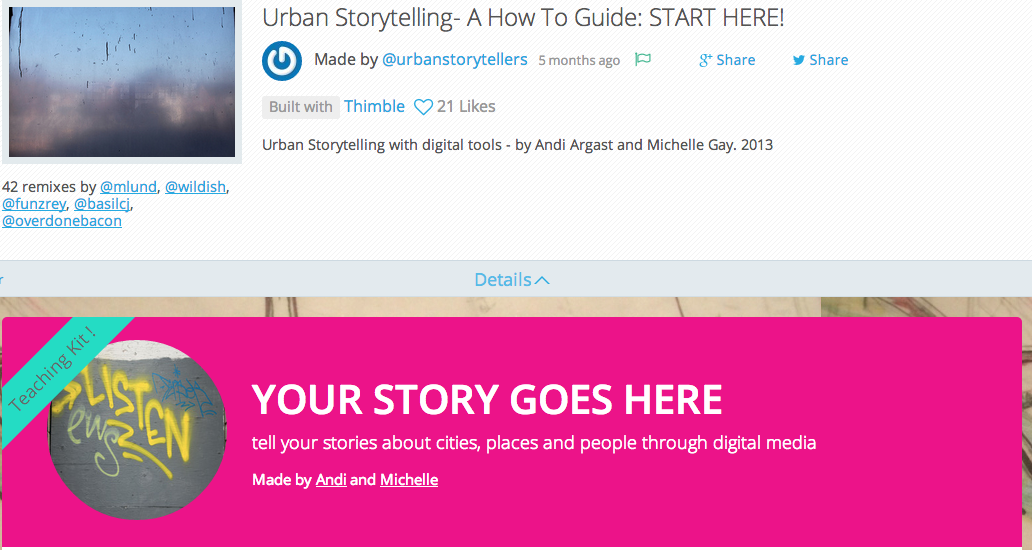
Popcorn Webmaker by Mozilla is another easy “plug and play” tool. It uses some of the basic conventions of video editing with various layers (sound, video, picture) and allows one to embed elements in a story.  One of the interesting variations on this is that the interactive element allows the audience to remix the original and make their own stories.

https://urbanstorytellers.makes.org/thimble/MzY3OTE5MTA0/urban-storytelling-a-how-to-guide-start-here

More ideas and lists:
Finally Storygami – something that is unfortunately still in Beta and where one can hire the team to realise your storytelling dreams, but where I see great potential for use in educational settings.

What is twitterature?

Exploring storytelling using twitter is one of the many new “genres” in digital storytelling.  Here is Andrew Fitzgerald explaining what it is:

https://embed-ssl.ted.com/talks/andrew_fitzgerald_adventures_in_twitter_fiction.html

Viking / Penguin have taken the lead in this new format and there is a dedicated website to some of the best examples.

And an extra blog post …

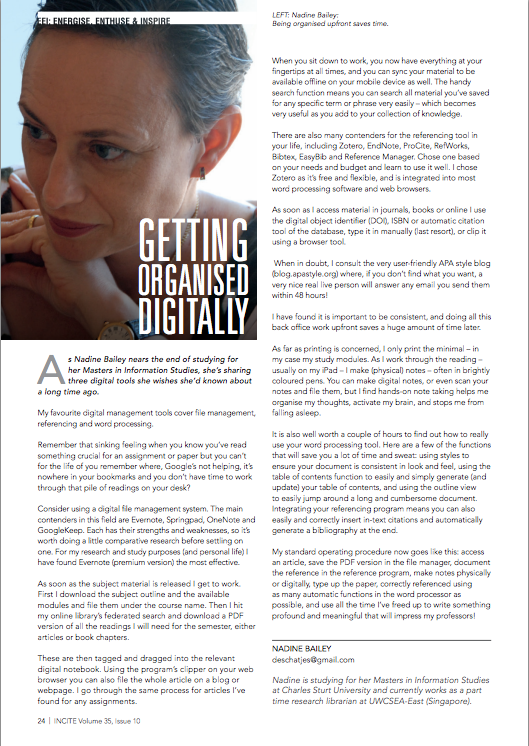
Here is an article I wrote for Incite on getting organised for studying – it was aimed at students and professionals but could be adapted for younger students.  Writing an article is an interesting process as you have a very tight word limit and need to conform to what the journal or magazine considers the correct format / design.

For example, in my first draft, I had a lot of images and it was more a “step-by-step” process type article of how to use 3 specific tools.

The editors didn’t want to be endorsing any specific tools, so I needed to do some more research and make the tools more generic and the article more general, which I can understand, but at the same time I think it made it less concrete and useful for students who don’t want to over think the matter and just want to take a tool and learn how to use it.

If it were up to me I DEFINITELY would not have had my picture taking up 1/4 of the valuable space!  Like I said earlier, I’d have put in more images on how to use the tools with screen shots etc.

All in all it was a valuable experience, and I was very gratified to see the positive responses it garnered, I was even approached by someone from UNESCO to request permission to post it on their UNESCO’s WSIS Information Literacy listserv (thank you Judy O’Connell for promoting the article).